Sometimes I need to add a new shortcut in my i3 configuration file, for example to open a workspace when I hit Meta+;. But adding a character (;) in bindsym may result in an error, like below:

So… How can key ; be declared in the configuration?
Well, in the i3 documentation we may find the following:
i3 allows you to bind either on keycodes or on keysyms (you can also mix your bindings, though i3 will not protect you from overlapping ones). ~ i3 User’s Guide - 4.4. Keyboard bindings
Later in the documentation, there is a suggestion to use xev utility to interactively check a key. It’s a tool which communicates with X server to get information about (keyboard and mouse) events and print information about them as the output (manual).
How to use xev?
At first you need to install xev - It should be available as a package in your distro (for example, it’s present in Debian’s repo and nixpkgs).
Once you have it installed, run xev in a terminal, and click the spawned white window.
xev should start to output information about the events, such as key presses and mouse movements (as long as the white windows is focused):
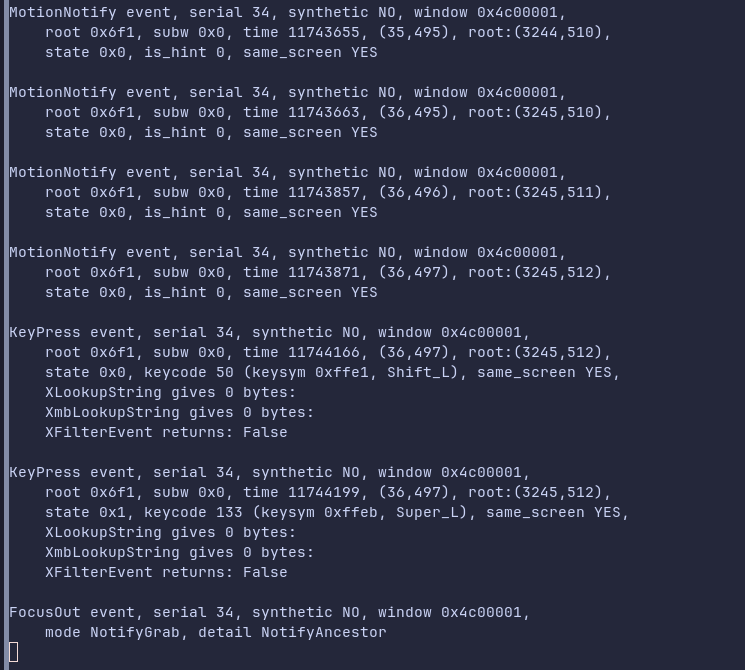
To get the name of a key (for example ;), you just need to click it, and find in the output:
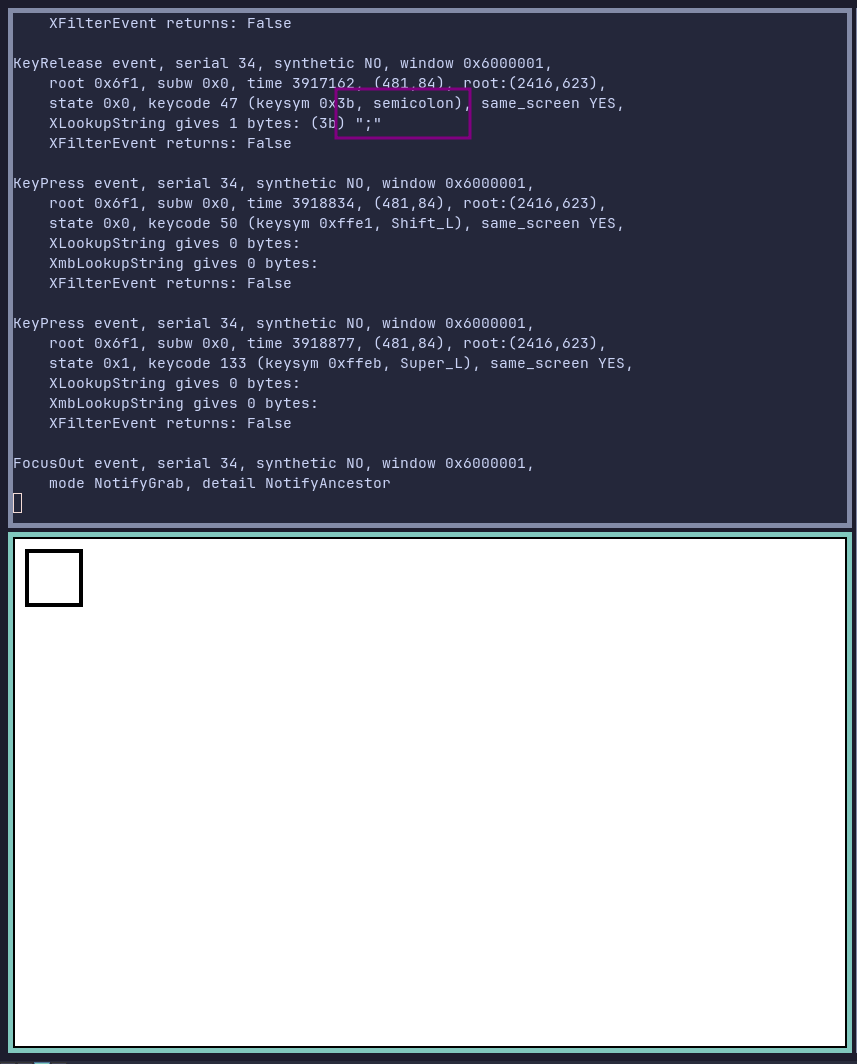
In the output above you can find information that for ; I should use semicolon (as keysym) in my i3 configuration.
Example line with semicolon in ~/.config/i3/config:
bindsym $mod+semicolon workspace number $ws14