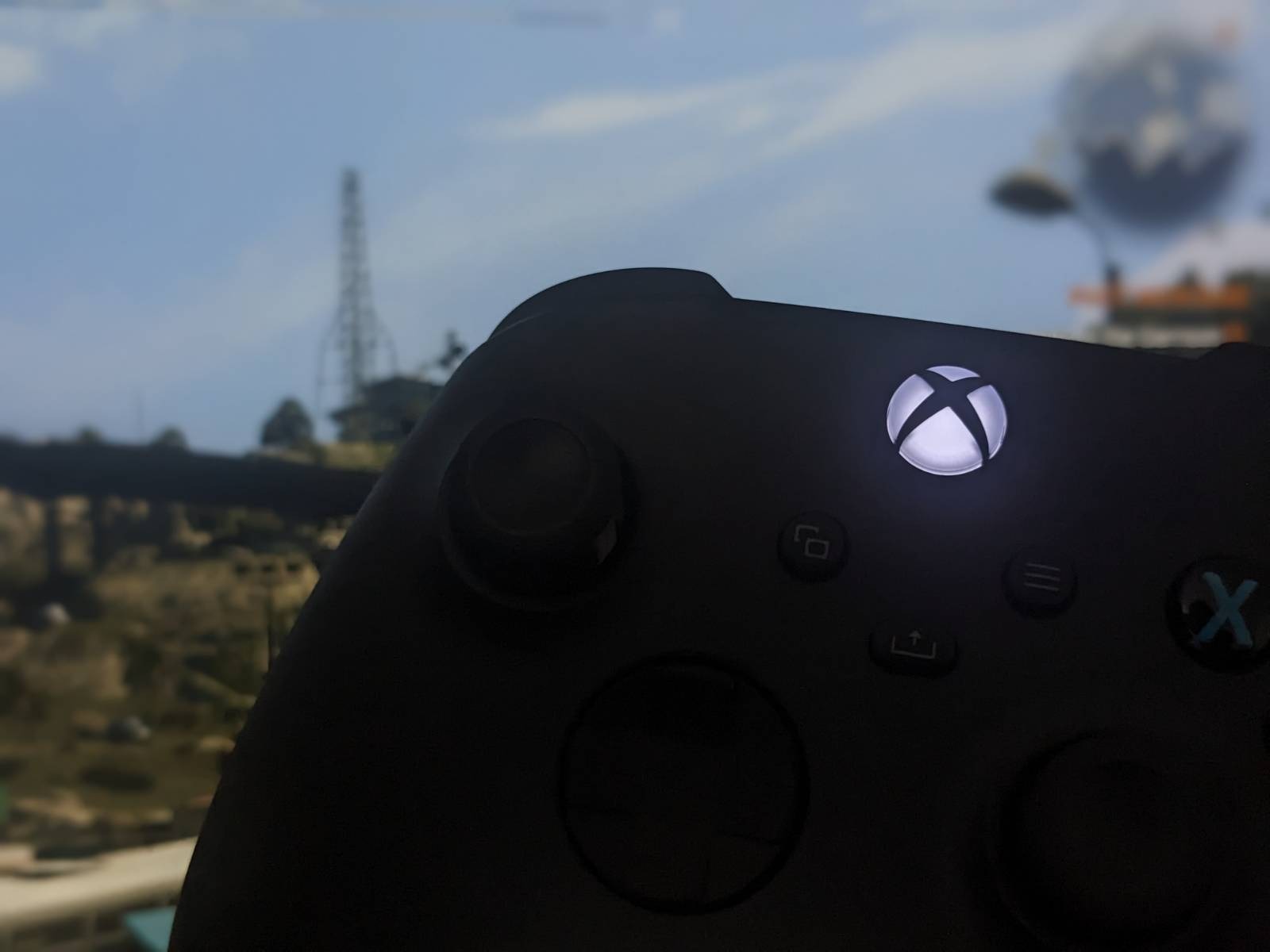
Here’s a quick how-to on using Xbox Wireless Adapter with NixOS
Driver
To play games with Xbox controller, you have to install a driver first. On Linux we can use xone which is an open-source one for Xbox One and Xbox Series accessories.
Installation on NixOS is pretty straightforward, just add enable the driver by adding the following option to your /etc/nixos/configuration.nix:
hardware.xone.enable = true;
Then update your system state with:
sudo nixos-rebuild switch
The driver should be installed, but it’s worth rebooting the system at this point
Pairing
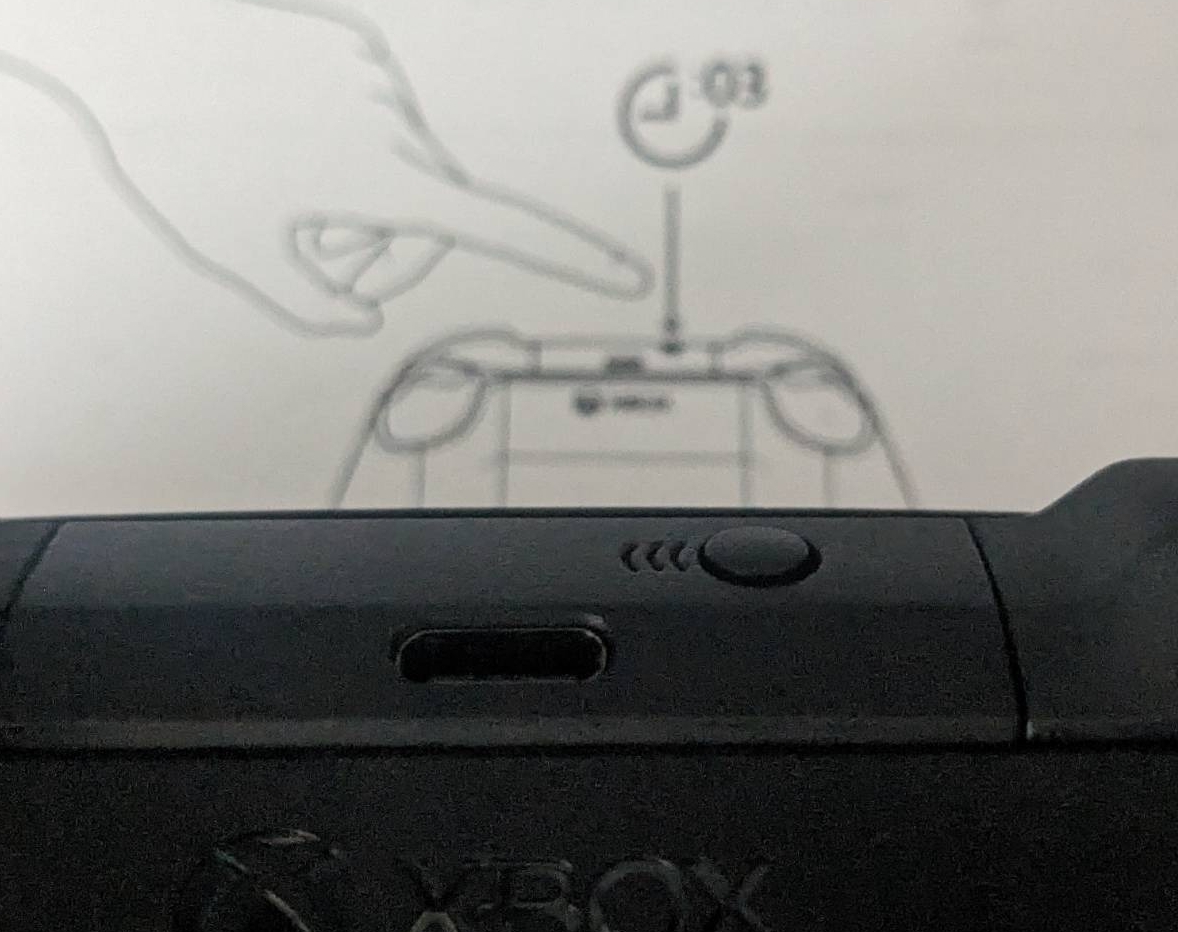
Connect the adapter to USB port, then hold the pairing button (which is on top of the controller) for around 3 seconds:
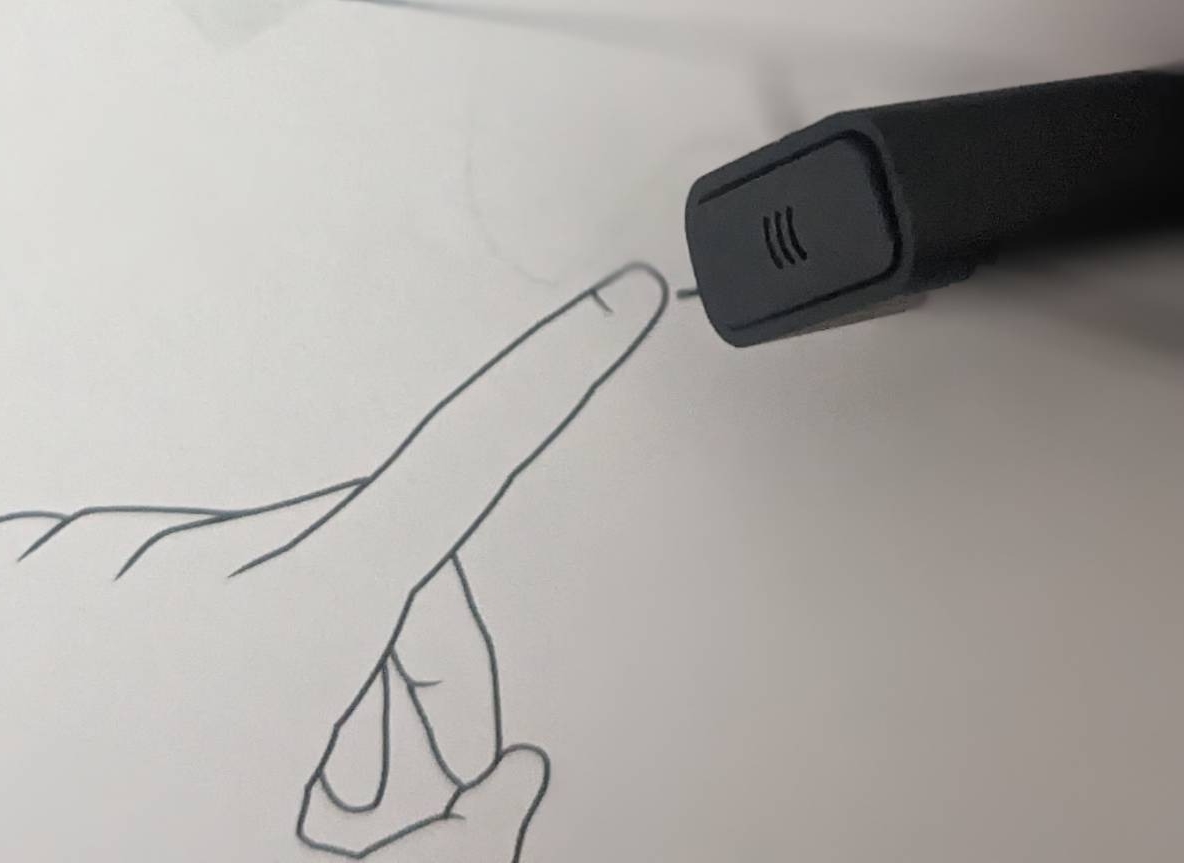
 Next, press the paring button on the adapter:
Shortly after that, the controller should pair with the adapter. Happy gaming! 🎮