For a couple of times I have seen a GIF with a terminal session, which showed the usage of a CLI program at its GitHub README.
I think that’s nice that creator shows how to do basic stuff with his/her app in this simple way (not everyone might have time to read what program does, so they can just watch that).
Lately I’ve been horsing around with my simple TUI program (for tracking InPost parcels) and yesterday I also added a similar GIF.
Well, actually not a GIF, but a SVG…
I made one using asciinema and svg-term.
Below you can find a little tutorial for creating your own!

asciinema
asciinema is a terminal session recorder. To start recording you just need to type:
asciinema rec file-name.cast
Where file-name.cast is a file at which session will be saved. To stop recording:
exit
Then you can show your recorded session at your terminal with:
asciinema play file-name.cast
You may also upload your record to asciinema.org with:
asciinema upload file-name.cast
svg-term
svg-term enable to convert record (made with asciinema) to animated SVG.
The following line:
svg-term --cast 113643 --out examples/parrot.svg --window --no-cursor --from=4500
Will produce this SVG:
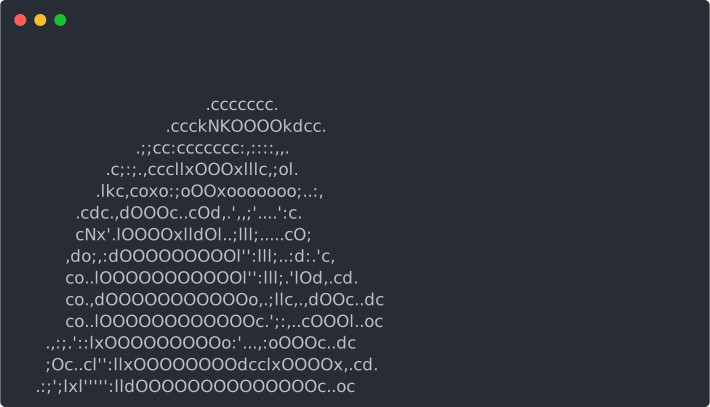
By the way, for getting party parrot in your terminal type curl parrot.live
The SVG above is generated from record shared at asciinema.org (--cast 113643 option). For a local record you have to use --in flag like below:
svg-term --in file-name.cast --out file-name.svg --width 100 --height 25
--width and --height enable to set width and height of SVG’s terminal.
Also I omitted the --window and --no-cursor flags.
Adding to README
If the SVG file is committed to the repository, just add the following line to your README (and adjust the path!):

For SVG shared somewhere at the Internet, change the path to URL:
